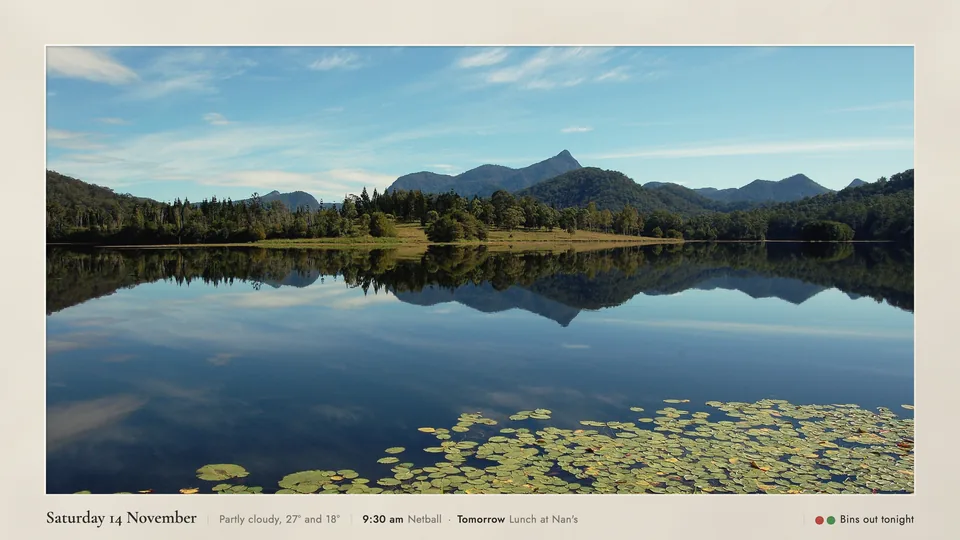
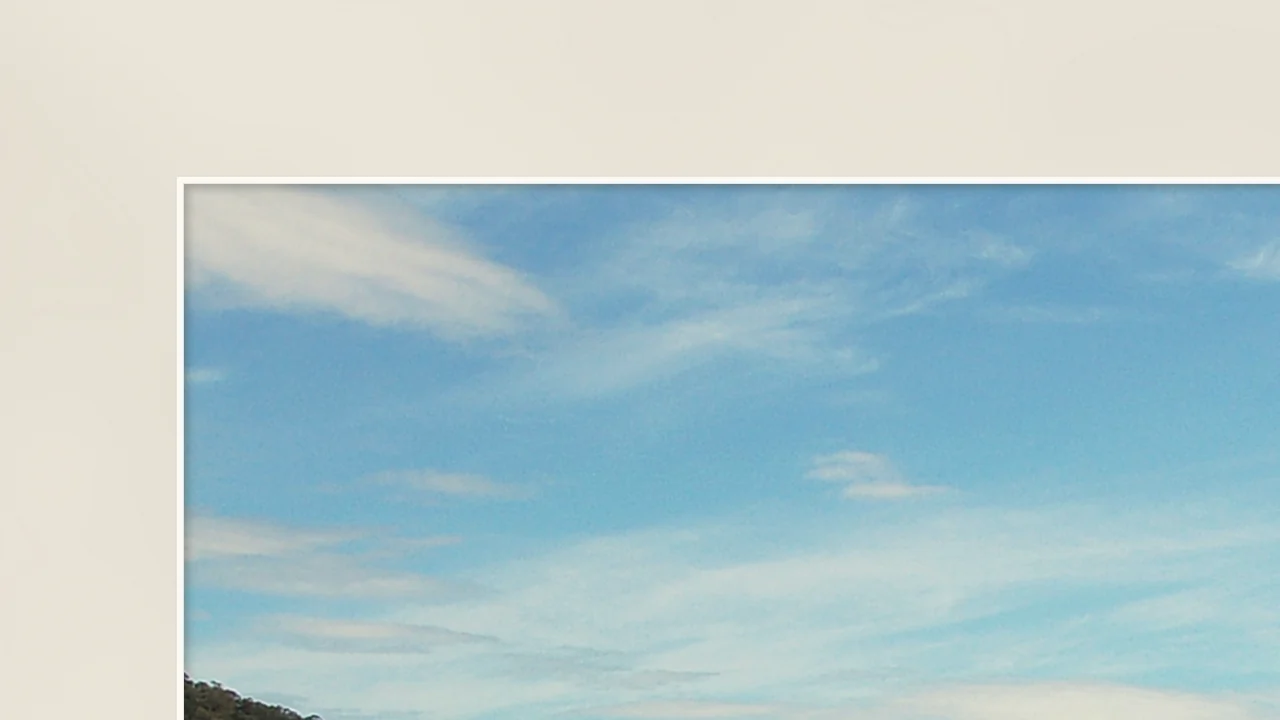
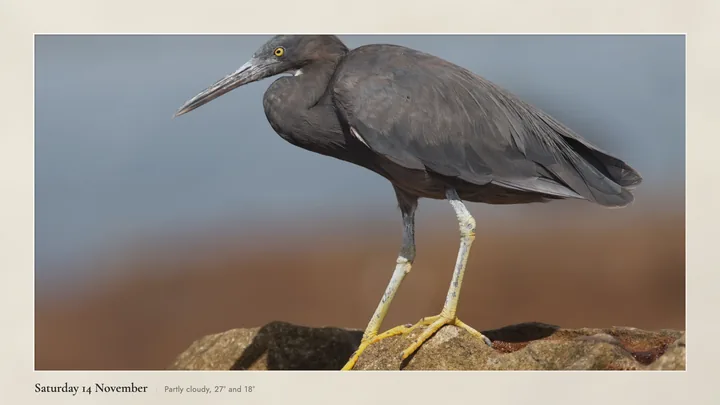
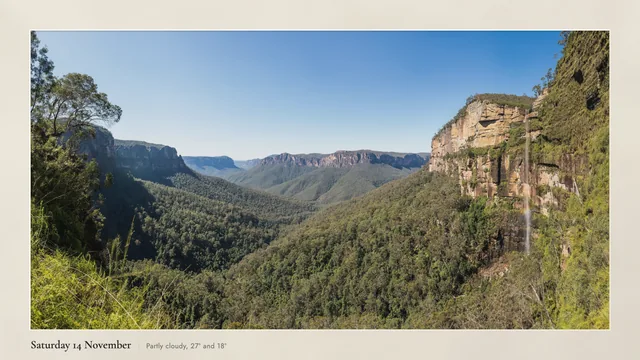
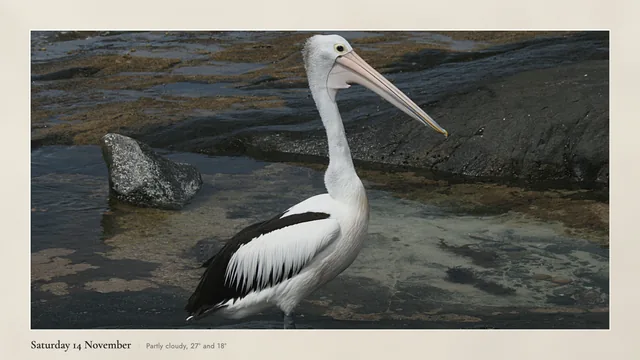
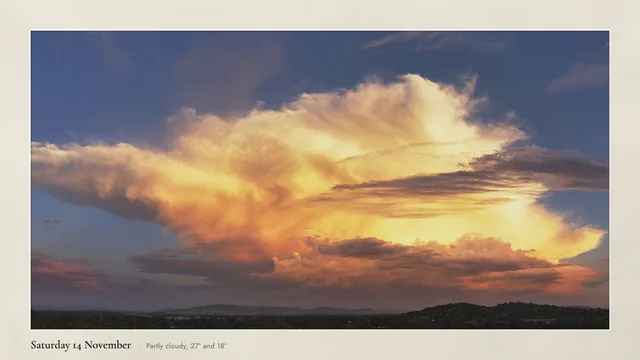
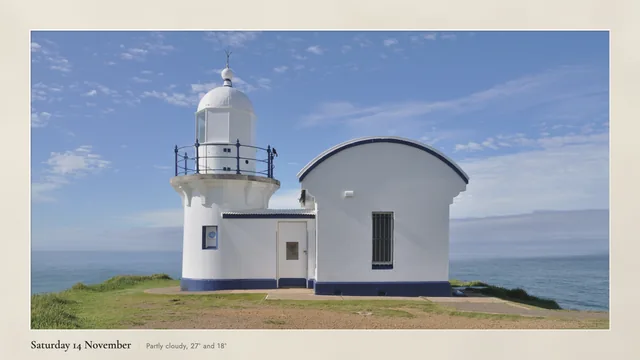
Off white, because pure white glows on a screen. A thin lit bevel where the mat is cut, and a soft shadow onto the photo, the way a print sits behind its mat.
The top left corner of the picture, one screen pixel to one pixel, from a 4K render.
The photo is toned like a print too: blacks lifted a little, highlights rolled off below the mat, so it reads as paper rather than a screen.
A small label, like a gallery card.
The day, the weather, what is on today. A reminder for bins night, or a line of your own. Show one or all of them.
Calendar and reminders come from a computer at home that stays on. Without one, a Google TV shows the date, the weather and a line of your own.
It follows the light.
Bright at midday, dimmer and warmer through dusk, the way a print on the wall changes with the room. Then off at night.
The curve comes from your sunrise, sunset and the day's sunlight. The night cut off (10 pm to 7 am unless you change it) needs the computer that stays on. Without it, the TV's own timer ends the art.
Make the mat yours.
Any mat colour except pure white. A black core, a dark board, the label on either side, or the photo right to the edges.
A different look for each TV, if you have more than one.
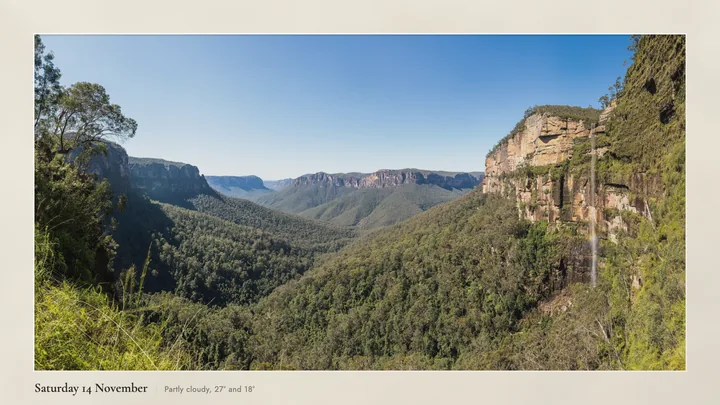
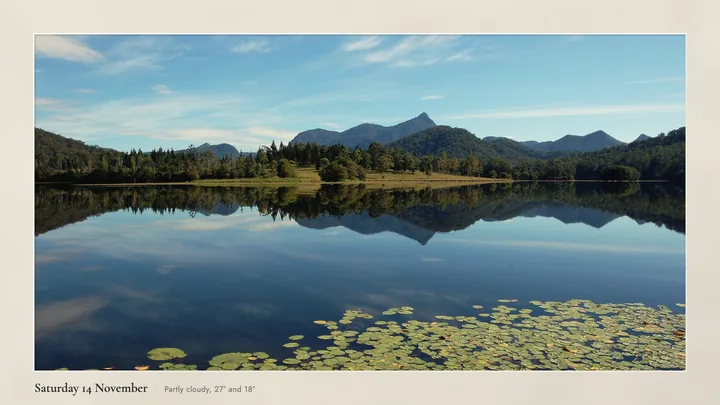
A new photo every day.
From your own folder: in order, at random, or the same one always. Name a photo for a date and it comes back on that day every year.
JPEGs and iPhone photos both work. You choose which part survives the crop: centre, top, bottom, left or right.
Art when nobody is watching.
Your TV stays a TV. The art only takes over when the remote goes quiet.
Google TV and Android TV
Ten minutes after the last button press, the art appears as the TV's own screensaver. Any button brings the TV straight back.
With a computer that stays on, it can also wake the TV with art in the morning and put it to sleep at night.
Samsung with Art Mode
A fresh matted picture goes into Samsung's real Art Mode each morning, so the motion sensor, the brightness sensor and the low power all keep working.
Art brightness follows the sun on the TV's own scale. Your own photos in My Photos are never touched.
Private, and honest about power.
Everything runs in your house. No account, no cloud service, no analytics.
What leaves the house
Only the weather request to Open-Meteo, with your location rounded, and your own calendar link if you add one. Your photos are copied, never changed, and go nowhere else.
On a big LCD the only real saving is fewer hours, because dimming the picture does not dim the backlight. So art only when the TV is idle is the default, and the cheapest way.
A year, at 40c a kWh
TV
Idle only
All day
98 inch LCD Google TV
$66
$526
55 inch LCD Google TV
$20
$158
65 inch Samsung, Art Mode
$11
$88
Idle only is 1.5 hours a day, all day is 12. The watts are estimates until you measure yours with a plug in energy meter (about $15).
Which TVs it works on.
It is new, so here is exactly where it stands. Every TV that runs it moves a line up.
Works Google TV
Running on a 98 inch Google TV since 2 November 2026, with and without a computer: art after 10 minutes idle, any button back to TV, the label with date, weather and calendar, and the undo.
Beta Built, waiting for your TV
Every other Google TV and Android TV: Sony, TCL, Hisense, Philips, Xiaomi, Onn, Chromecast with Google TV and others.
Samsung with Art Mode, 2021 and newer. The upload comes from a sister project that has run on a 2021 Samsung with Art Mode.
Samsung 2025 and newer QLED, Neo QLED and OLED with Art Mode. We do not know yet if these accept the upload.
Not yet A route exists, not built
LG, Amazon Fire TV with Fire OS, Apple TV, Samsung without Art Mode, and any TV through an HDMI box.
Can't No way in
Roku: no way to turn it on over the network, so nothing can be automated.
Fire TV with Vega OS (2025 and newer sticks): no Android apps and no sideloading.
Sony Bravias that run Linux (some cheaper Full HD models): no app route.
Hisense VIDAA, including CanvasTV: no official network control. CanvasTV has its own Art Mode for photos by hand.
Google TV gets the calendar, reminders, the brightness curve, a morning wake and a night sleep. A Samsung gets a new picture every morning.
Without one
Google TV makes the picture itself: photo, date, weather and a line of your own. The lowest power way. A Samsung keeps Art Mode, with no daily picture.
Remove it.
One command, or ask your agent to undo it.
.venv/bin/anytvart undo --tv "Lounge"
Google TV: every setting it changed goes back to the value written down first, then the app and its photos are removed.
Samsung: your own picture goes back on, then only the pictures this tool uploaded are deleted.
Running it twice is harmless.
Questions.
Is it really free?
Yes. It is open source under the MIT licence, with no account and no subscription. If it made your wall nicer, you can shout Josh a coffee below.
Do I need a Samsung The Frame?
No, that is the point. It works on a Google TV or Android TV, and it puts a fresh picture into Art Mode on Samsungs that have it.
Can I set it up from my phone?
Not yet. A Google TV only lets a computer pick a different screensaver, once, over ADB. A Samsung needs a computer to make and send the picture.
Does a computer have to stay on?
No. Without one, a Google TV makes the picture itself from photos copied onto it once. Keep one on for the calendar, reminders, the light curve and the morning and night schedule, and for a Samsung's daily picture.
Will it be 4K?
On a Samsung in Art Mode the picture is 3840 by 2160. On Android TVs we make no 4K claim: many draw apps at 1080p and scale up, whatever the panel is.
What about glare?
Software can reduce how much glare shows: a lighter mat, lighter photos and a picture that keeps up with daylight. It can't hide a window reflected in glossy glass. That is placement, a blind or a matte screen. The glare guide says what helps.
Is it safe on an OLED?
Tell it your panel is OLED and the picture shifts by a few pixels each hour so nothing sits still. OLED handling is in beta: no OLED has run it yet.
What does my TV do when I press a button?
On Google TV any button ends the art and you are back on TV. On a Samsung, the power button switches between TV and Art Mode as it always has. The tool never presses power on a Samsung.
Is this made by Samsung or Google?
No. It is not made by or affiliated with Samsung, Google or any TV maker.
It didn't work on my TV.
Please tell us with the tester form. anytvart report makes a copy of your TV's details with addresses and names taken out, for you to read and paste. Troubleshooting covers the common ones.
Shout Josh a coffee.
Josh Seage built Any TV Art for the big TV in his own living room and gives it away free. If it made your wall nicer, shout him a coffee, or follow along for what comes next.